Ecommerce Checkout UX Tips: Boost Conversions and Drive Sales As a business owner in Chennai, you're likely aware of the importance of a seamless checkout process for your ecommerce website. A smooth checkout experience can make all the difference in converting browsers into buyers and driving sales. However, with so many options and complexities involved, …

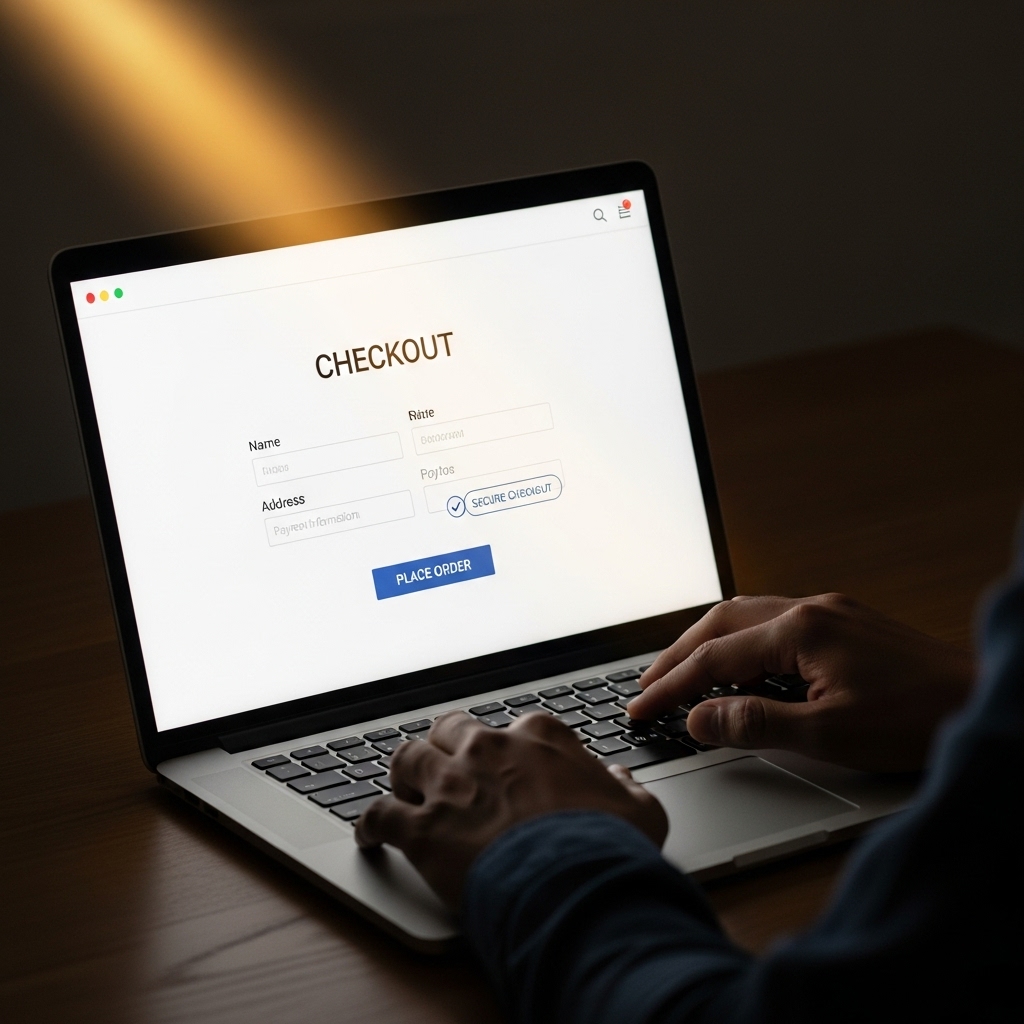
Ecommerce Checkout UX Tips: Boost Conversions and Drive Sales
As a business owner in Chennai, you’re likely aware of the importance of a seamless checkout process for your ecommerce website. A smooth checkout experience can make all the difference in converting browsers into buyers and driving sales. However, with so many options and complexities involved, it can be overwhelming to design an effective checkout process. In this post, we’ll explore the ecommerce checkout UX tips that can help you optimize your checkout process and improve customer satisfaction.
Understanding the Importance of Checkout UX
Checkout is the final step in the customer journey, and it’s crucial to make it as painless and efficient as possible. A poorly designed checkout process can lead to cart abandonment, lost sales, and a negative customer experience. On the other hand, a well-designed checkout process can increase customer satisfaction, loyalty, and ultimately, drive sales.
Ecommerce Checkout UX Tips
Here are some ecommerce checkout UX tips to help you optimize your checkout process:
Simplify the Checkout Process
- Keep the checkout process short and sweet. Aim for 3-5 steps.
- Use a one-page checkout whenever possible.
- Minimize the number of fields to fill out. Only ask for necessary information.
- Ensure your checkout process is responsive and works seamlessly on mobile devices.
- Use a mobile-friendly payment gateway to reduce friction.
- Test your checkout process on different mobile devices to ensure a smooth experience.
- Avoid using technical jargon or complex terms.
- Use simple and clear language to explain the checkout process.
- Provide clear instructions and guidance throughout the process.
- Offer a range of payment options, including credit cards, PayPal, and more.
- Consider offering alternative payment methods, such as Apple Pay or Google Pay.
- Make sure to clearly display the payment options and their corresponding fees.
- Use a progress bar or a clear indicator to show the customer how far along they are in the checkout process.
- This helps to reduce anxiety and uncertainty.
- Make sure the progress indicator is visible throughout the checkout process.
- Display trust badges and security icons to reassure customers about the security of their transaction.
- Use logos from reputable organizations, such as VeriSign or McAfee.
- Ensure that your website has an SSL certificate to provide an extra layer of security.
- Offer a guest checkout option for customers who prefer not to create an account.
- Make sure to clearly display the benefits of creating an account, such as easier checkout and order tracking.
- Provide a clear option to create an account later.
- Test your checkout process regularly to identify areas for improvement.
- Use analytics tools to track checkout abandonment rates and identify pain points.
- Make adjustments and optimize the checkout process based on customer feedback and data analysis.
Make it Mobile-Friendly
Use Clear and Concise Language
Offer Multiple Payment Options
Provide a Clear and Visible Progress Indicator
Use Trust Badges and Security Icons
Offer Guest Checkout
Test and Optimize
Frequently Asked Questions
Q: What is the most important thing to consider when designing a checkout process?
A: The most important thing to consider is simplicity. Keep the checkout process short and sweet, and make it easy for customers to complete their purchase.
Q: How can I reduce cart abandonment rates?
A: To reduce cart abandonment rates, make sure to provide a clear and concise checkout process, offer multiple payment options, and ensure that the website is mobile-friendly.
Q: What are some common checkout UX mistakes to avoid?
A: Some common checkout UX mistakes to avoid include a lengthy checkout process, poor mobile optimization, and unclear payment options.
Conclusion
In conclusion, designing an effective ecommerce checkout process is crucial for driving sales and improving customer satisfaction. By following these ecommerce checkout UX tips, you can simplify the checkout process, reduce friction, and increase conversions. Remember to test and optimize your checkout process regularly to ensure that it’s meeting your customers’ needs. At STACK E SYSTEMS, we specialize in hotel website design, travel & tourism website design trends in Chennai, and website design for Chennai tutors & coaching centers. Contact us today to learn more about how we can help you improve your ecommerce checkout process.
Get in Touch
Email: [email protected]
Phone: 9445210058
Website: stackesystems.in
Optimize Your Checkout Process Today
Don’t let a poor checkout process hold you back from achieving your business goals. Optimize your checkout process today and start driving sales and improving customer satisfaction. Contact us at STACK E SYSTEMS to learn more about our ecommerce checkout UX services and how we can help you take your business to the next level.