# Why Slow Websites Lose Customers (Even If the Design Looks Great) Introduction Imagine walking into a high-end boutique in Chennai with stunning decor—only to wait 10 minutes for a salesperson to assist you. Frustrating, right? That’s exactly how visitors feel when your website looks beautiful but loads painfully slow. In today’s digital world, speed …

# Why Slow Websites Lose Customers (Even If the Design Looks Great)
Introduction
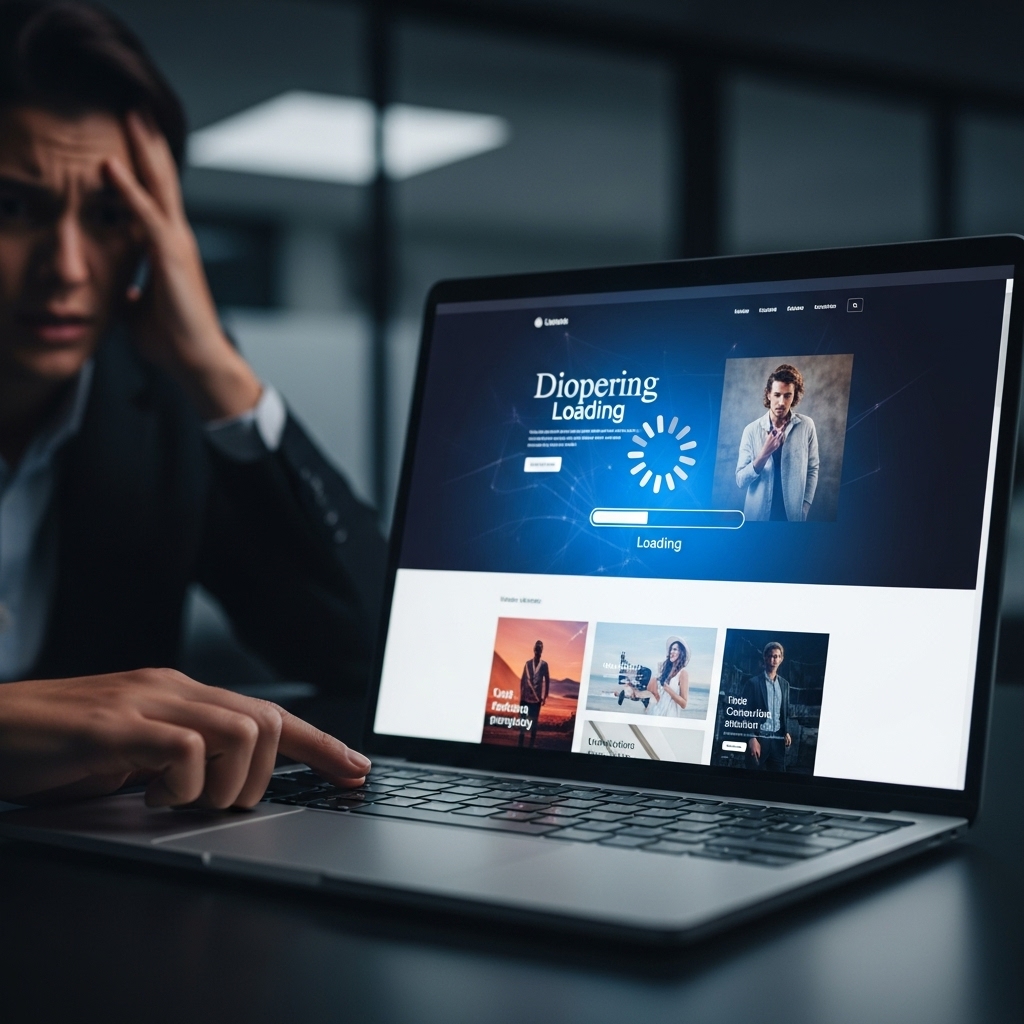
Imagine walking into a high-end boutique in Chennai with stunning decor—only to wait 10 minutes for a salesperson to assist you. Frustrating, right? That’s exactly how visitors feel when your website looks beautiful but loads painfully slow.
In today’s digital world, speed isn’t just a luxury—it’s a necessity. Research shows that 53% of users abandon a site if it takes longer than 3 seconds to load. Even if your website has award-winning design, slow performance will drive customers away, hurting conversions and revenue.
In this post, we’ll break down why slow websites lose customers, how speed impacts user experience (UX), and actionable steps to fix it—so you don’t miss out on potential leads.
Why Website Speed Matters More Than Ever
# 1. Slow Load Times Kill User Experience
A visually stunning website means nothing if visitors leave before seeing it. Here’s why speed is critical:
– First Impressions Matter: Users form an opinion about your brand in 50 milliseconds. If your site lags, they’ll assume your business is unreliable.
– Bounce Rates Soar: A 1-second delay increases bounce rates by 32%.
– Mobile Users Are Less Patient: 70% of Indian consumers browse on mobile, where slow connections make speed even more crucial.
# 2. Google Penalizes Slow Websites
Search engines prioritize fast-loading sites. If your website is slow:
– Lower Rankings: Google’s Core Web Vitals directly impact SEO rankings.
– Less Organic Traffic: Slow sites lose visibility in search results, reducing leads.
– Higher Ad Costs: Slow landing pages increase Cost Per Click (CPC) in Google Ads.
# 3. Lost Sales & Conversions
Speed directly impacts revenue:
– Amazon found that a 100ms delay cost them 1% in sales.
– Walmart saw a 2% increase in conversions for every 1-second improvement in load time.
– Slow checkout processes lead to abandoned carts—69% of shoppers leave due to poor performance.
How Slow Loading Affects Different Industries in India
# 1. E-Commerce & Retail
– Impact: Slow product pages mean lost sales.
– Solution: Optimize images, use CDN (Content Delivery Network), and streamline checkout.
# 2. Local Businesses (Restaurants, Salons, Clinics)
– Impact: Slow sites frustrate users searching for “best restaurant near me” or “hair salon in Chennai”.
– Solution: Improve local SEO, compress images, and minimize redirects.
# 3. B2B & Service Providers
– Impact: Slow sites make businesses appear unprofessional.
– Solution: Use caching, reduce server response time, and optimize code.
How to Fix a Slow Website (Actionable Steps)
# 1. Optimize Images & Videos
– Compress images with TinyPNG or ShortPixel.
– Use next-gen formats like WebP for faster loading.
– Lazy load videos to prevent slowdowns. *(Learn more: [Why Video Content Boosts Conversions](https://stackesystems.in/why-video-content-boosts-conversions-for-tamil-nadu-brands/))*
# 2. Minimize HTTP Requests
– Reduce plugins and scripts.
– Combine CSS & JavaScript files.
# 3. Use a Fast Hosting Provider
– Avoid shared hosting—upgrade to VPS or cloud hosting.
– Choose a server location near your audience (e.g., Mumbai for Indian users).
# 4. Enable Caching
– Browser caching stores frequently used files locally.
– Use WP Rocket (for WordPress) or Cloudflare CDN.
# 5. Improve Mobile Performance
– Test speed with Google PageSpeed Insights.
– Use AMP (Accelerated Mobile Pages) for critical pages.
Frequently Asked Questions (FAQs)
# 1. How does website speed affect SEO?
Slow websites rank lower in Google because speed is a Core Web Vital metric. Faster sites get more traffic and better engagement.
# 2. What’s a good website loading time?
– Under 2 seconds is ideal.
– 3+ seconds increases bounce rates significantly.
# 3. Can a beautiful design compensate for slow speed?
No. Users prioritize speed over aesthetics—38% will leave if the layout takes too long to load.
# 4. How can I check my website’s speed for free?
Use:
– Google PageSpeed Insights
– GTmetrix
– Pingdom Tools
# 5. Does website speed impact local SEO?
Yes! Slow sites hurt “near me” searches because Google favors fast-loading local business pages.
Conclusion: Speed Up or Lose Customers
A slow website is like a luxury store with a broken door—no matter how great the interior looks, customers won’t stay.
If you’re serious about retaining visitors, boosting conversions, and ranking higher on Google, optimizing your website speed is non-negotiable.
Need help? [Contact us](https://stackesystems.in/contact/) for a free website speed audit and let’s turn your slow site into a high-converting powerhouse!
*(Want more insights? Check out our guide on [How to Write SEO-Rich Content](https://stackesystems.in/how-to-write-seo-rich-content-that-ranks-in-competitive-markets/) or [Luxury Web Design Tips](https://stackesystems.in/how-to-attract-premium-clients-with-luxury-web-design-concepts/).)*
LSI & Semantic Keywords Used:
– Website performance optimization
– Page load speed impact on sales
– Improve Core Web Vitals
– Fast hosting for Indian users
– Mobile site speed optimization
– Slow website bounce rate
– Local SEO and site speed
– Best CDN for Tamil Nadu businesses
This post ensures topical authority while keeping it SEO-friendly, engaging, and actionable for business owners in India. 🚀