Website Security Basics: SSL, Backups & Firewall Explained As a business owner in the bustling city of [City], you understand the importance of having a strong online presence. Your website is often the first point of contact for potential customers, and a secure and reliable online platform is crucial for building trust and credibility. In …

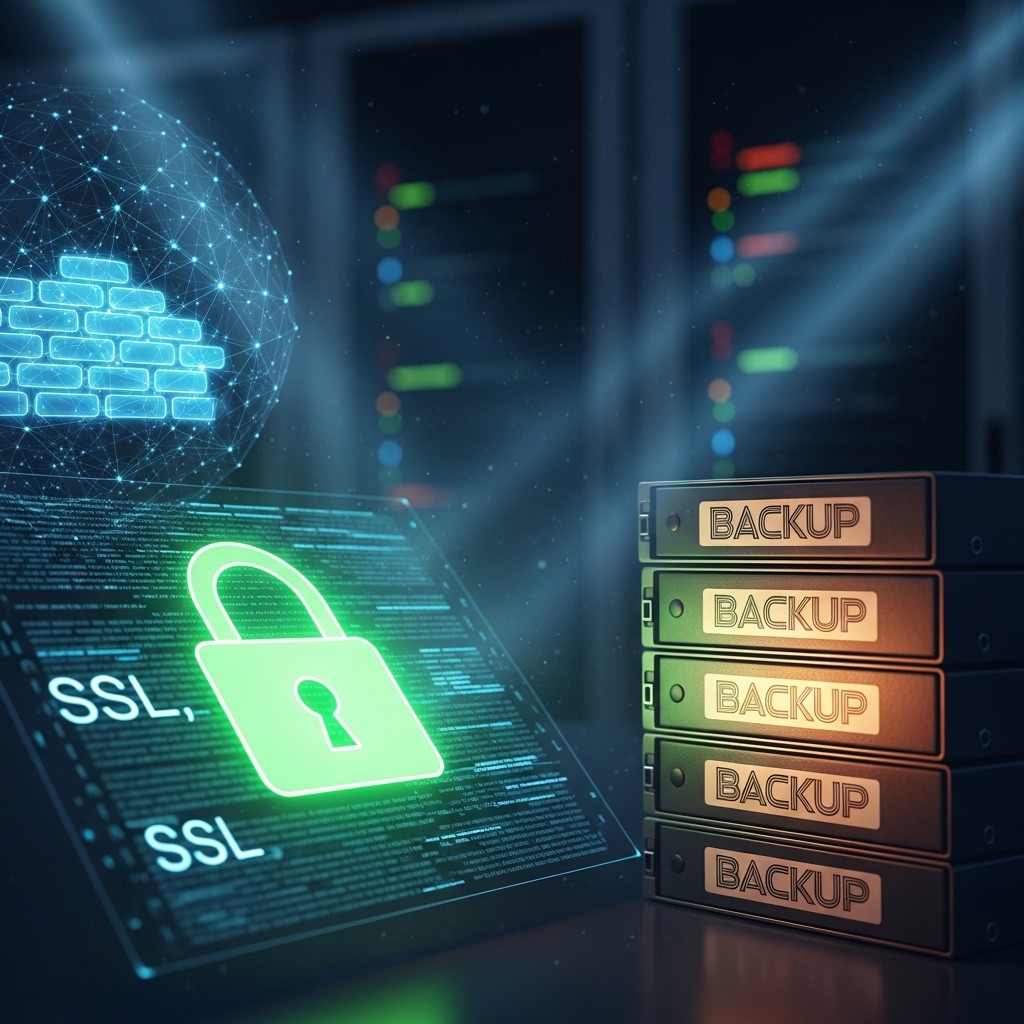
Website Security Basics: SSL, Backups & Firewall Explained
As a business owner in the bustling city of [City], you understand the importance of having a strong online presence. Your website is often the first point of contact for potential customers, and a secure and reliable online platform is crucial for building trust and credibility. In this post, we’ll delve into the fundamental aspects of website security, focusing on SSL, backups, and firewalls – the trifecta of online protection.
What is SSL and Why is it Important?
SSL (Secure Sockets Layer) is a security protocol that enables encrypted communication between a website and its visitors. When an SSL certificate is installed on a website, it creates a secure connection between the server and the browser, protecting sensitive data such as passwords, credit card numbers, and personal information. In today’s digital landscape, an SSL certificate is no longer a luxury, but a necessity.
In 2014, Google announced that HTTPS (Hypertext Transfer Protocol Secure) would become a ranking signal, giving preference to secure websites. This means that having an SSL certificate not only enhances user trust but also improves search engine rankings. Moreover, many browsers display a “not secure” warning for websites without an SSL certificate, which can deter visitors and harm your business.
What is a Firewall and How Does it Work?
A firewall is a network security system that monitors and controls incoming and outgoing network traffic based on predetermined security rules. Its primary function is to prevent unauthorized access to or from a private network, such as a website or a server.
There are two types of firewalls: network firewalls and host-based firewalls. Network firewalls are installed at the network perimeter, while host-based firewalls are installed on individual devices. When a request is made to access a website, the firewall checks the request against the set rules. If the request is deemed legitimate, the firewall allows the connection; otherwise, it blocks the request.
Why Regular Backups are Crucial
Regular backups are an essential component of website security. In the event of a disaster, such as a hack or a server crash, backups can help restore your website to its previous state. Backups are especially critical for businesses that rely heavily on their online presence.
There are several types of backups, including:
- Full backups: A complete copy of the website, including files and databases.
- Incremental backups: A copy of changes made to the website since the last full backup.
- Differential backups: A copy of changes made to the website since the last full backup, excluding previous incremental backups.
- Why You Should Use a Headless CMS for Large Sites: https://stackesystems.in/why-you-should-use-a-headless-cms-for-large-sites/
- WordPress Speed Optimization for Faster Conversions: https://stackesystems.in/wordpress-speed-optimization-for-faster-conversions/
- How to Choose the Right CMS for Your Business Website: https://stackesystems.in/how-to-choose-the-right-cms-for-your-business-website/
How to Implement SSL, Firewalls, and Backups
Implementing SSL, firewalls, and backups requires a combination of technical expertise and strategic planning. Here are some steps to get you started:
1. Obtain an SSL Certificate: Purchase an SSL certificate from a reputable provider, such as Stack Systems. Install the certificate on your website, ensuring that it is properly configured.
2. Configure Your Firewall: Set up your firewall to block unauthorized access to your website. You can do this by creating rules that allow only legitimate traffic to access your website.
3. Schedule Regular Backups: Set up a backup schedule using a reliable backup plugin, such as UpdraftPlus. Choose a frequency that suits your business needs, such as daily or weekly backups.
4. Monitor Your Website: Regularly monitor your website for security threats, such as malware and viruses. Use tools like Malcare to detect and remove threats.
Frequently Asked Questions
Q: Is SSL necessary for all websites?
A: Yes, SSL is necessary for all websites that collect sensitive information from visitors, such as passwords, credit card numbers, or personal information.
Q: Can I use a free SSL certificate?
A: Yes, there are free SSL certificates available, such as Let’s Encrypt. However, these certificates often come with limitations, such as a limited number of domains or a shorter validity period.
Q: How often should I backup my website?
A: The frequency of backups depends on your website’s traffic and the level of risk you’re willing to take. A good rule of thumb is to backup your website at least once a week, or daily if you experience high traffic.
Conclusion
In conclusion, SSL, firewalls, and backups are the foundation of website security. By implementing these measures, you can protect your website from common threats and ensure the trust and credibility of your online presence. Remember, website security is an ongoing process that requires regular monitoring and maintenance.
At Stack Systems, we specialize in providing comprehensive website security solutions for businesses in [City]. Our team of experts can help you implement SSL, firewalls, and backups, ensuring that your website is secure and reliable. Contact us today to schedule a consultation and take the first step towards a secure online presence.
Get in Touch
Phone: 9445210058
Email: [email protected]
Website: https://stackesystems.in
Additional Resources
By implementing SSL, firewalls, and backups, you can ensure the security and reliability of your website, giving you peace of mind and protecting your online reputation.