Unlock the Power of Website Heatmaps for Chennai Businesses: A Beginner's Guide As a Chennai-based business owner, you're likely no stranger to the importance of understanding your website's behavior. But with so many metrics to track and analyze, it's easy to get overwhelmed. That's where website heatmaps come in – a powerful tool that can …

Unlock the Power of Website Heatmaps for Chennai Businesses: A Beginner’s Guide
As a Chennai-based business owner, you’re likely no stranger to the importance of understanding your website’s behavior. But with so many metrics to track and analyze, it’s easy to get overwhelmed. That’s where website heatmaps come in – a powerful tool that can help you visualize and optimize your website’s performance. In this comprehensive guide, we’ll walk you through the world of website heatmaps, exploring what they are, how they work, and most importantly, how to use them to boost your online presence in Chennai.
What is a Website Heatmap?
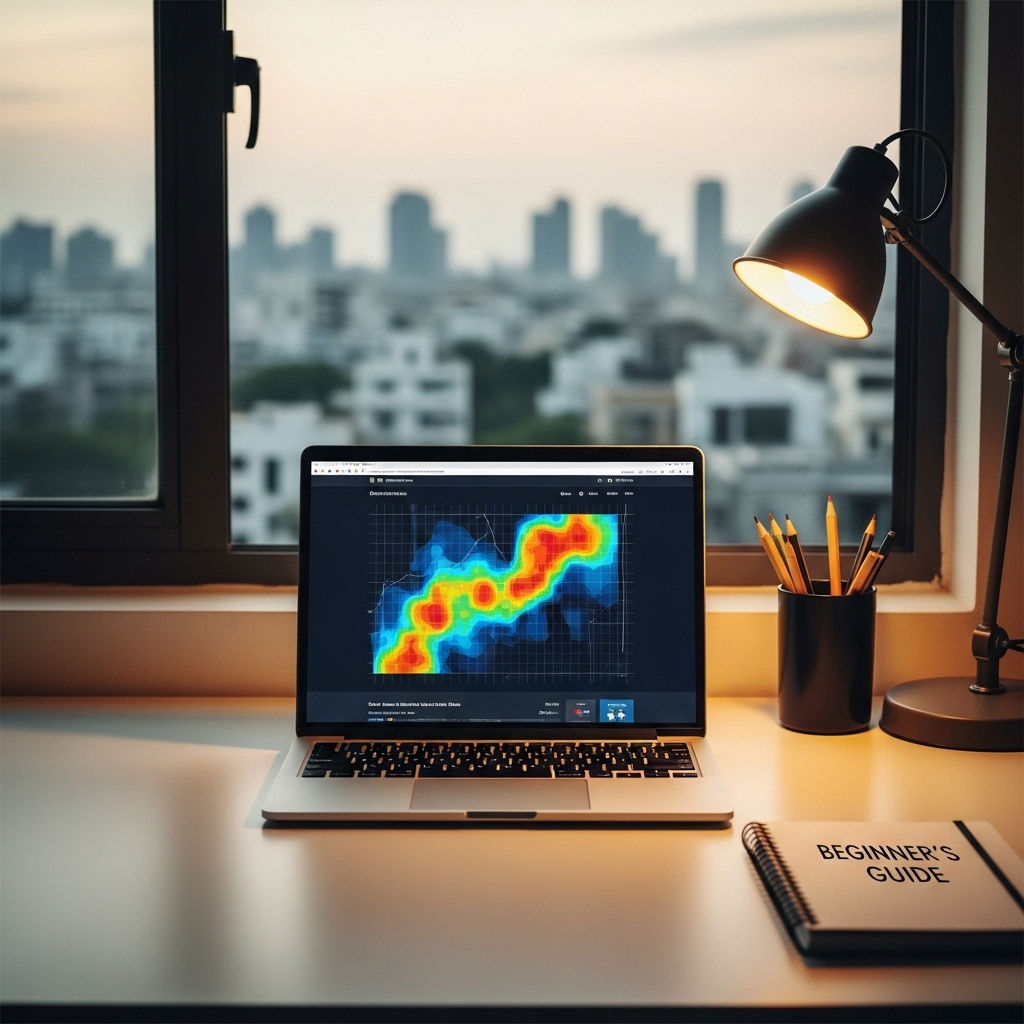
A website heatmap is a visual representation of how users interact with your website. It’s a tool that uses data and algorithms to create an image of your website, highlighting the areas that users focus on most. By analyzing this data, you can gain valuable insights into what’s working and what’s not on your website, allowing you to make data-driven decisions to improve your online presence.
How Do Website Heatmaps Work?
Website heatmaps use a combination of technologies to track user behavior, including:
- Mouse tracking: This tracks where users click and hover on your website, providing valuable insights into what areas of the page are most engaging.
- Scroll tracking: This tracks how far down the page users scroll, helping you understand what content is most important to them.
- Click tracking: This tracks which links and buttons users click on, providing insights into conversion rates and user flow.
- Click-through rates: Which areas of the page are getting the most clicks?
- Scroll depth: How far down the page do users typically scroll?
- Conversion rates: Which links and buttons are driving conversions?
- Improved user experience: By understanding how users interact with your website, you can make data-driven decisions to improve the user experience.
- Increased conversions: By identifying bottlenecks and areas of high engagement, you can optimize your website for better conversions.
- Reduced bounce rates: By understanding what’s driving users away, you can make changes to improve engagement and reduce bounce rates.
- Not setting clear goals: Before setting up your heatmap, make sure you have clear goals in mind.
- Not analyzing data thoroughly: Don’t just glance at your heatmap data – take the time to analyze it thoroughly.
- Not making changes: Don’t set up your heatmap and then ignore the results. Make changes based on your data.
- Why You Need Analytics Tracking from Day One: https://stackesystems.in/why-you-need-analytics-tracking-from-day-one/
- How to Reduce Website Maintenance Costs: https://stackesystems.in/how-to-reduce-website-maintenance-costs/
- Best Typography Trends for Business Websites: https://stackesystems.in/best-typography-trends-for-business-websites/
By analyzing this data, website heatmaps can provide a range of insights, including:
Benefits of Using Website Heatmaps for Chennai Businesses
So, why should Chennai businesses care about website heatmaps? Here are just a few benefits:
How to Use Website Heatmaps for Chennai Businesses
So, how do you get started with website heatmaps? Here are a few steps to follow:
1. Choose a heatmap tool: There are many heatmap tools available, including Crazy Egg, Heatmap Tool, and VWO. Choose one that fits your budget and needs.
2. Set up your heatmap: Follow the instructions provided by your heatmap tool to set up your heatmap. This typically involves installing a small piece of code on your website.
3. Analyze your data: Once your heatmap is set up, start analyzing your data. Look for areas of high engagement, bottlenecks, and areas for improvement.
4. Make changes: Based on your analysis, make changes to your website to improve the user experience and drive conversions.
5. Track and measure: Continuously track and measure your website’s performance using your heatmap tool, making adjustments as needed.
Common Mistakes to Avoid
While website heatmaps can be a powerful tool, there are a few common mistakes to avoid:
Frequently Asked Questions
Q: How do I choose the right heatmap tool for my Chennai business?
A: Consider your budget, the features you need, and the level of support provided by the vendor.
Q: How long does it take to set up a heatmap?
A: Typically, setting up a heatmap takes just a few minutes.
Q: Can I use website heatmaps on my mobile website?
A: Yes, most heatmap tools can track mobile devices as well as desktop devices.
Conclusion
Website heatmaps are a powerful tool for Chennai businesses looking to improve their online presence. By understanding how users interact with your website, you can make data-driven decisions to improve the user experience, increase conversions, and reduce bounce rates. By following the steps outlined in this guide, you can get started with website heatmaps and start optimizing your website for better performance. Remember to choose the right heatmap tool, set clear goals, and make changes based on your data.
Get Started with Website Heatmaps Today
Ready to unlock the power of website heatmaps for your Chennai business? Check out our website at stackesystems.in to learn more about our heatmap solutions and how we can help you improve your online presence.
Additional Resources
Contact Us
Have questions about website heatmaps or need help getting started? Contact us at 9445210058 or visit our website at stackesystems.in. We’re here to help you improve your online presence and drive success for your Chennai business.