Unlock the Power of Version Control: A Comprehensive Guide for Chennai Developers As a developer in Chennai, you're likely no stranger to the challenges of managing code changes, collaborating with team members, and ensuring the integrity of your project. Version control systems have become an essential tool in the developer's arsenal, and Git has emerged …

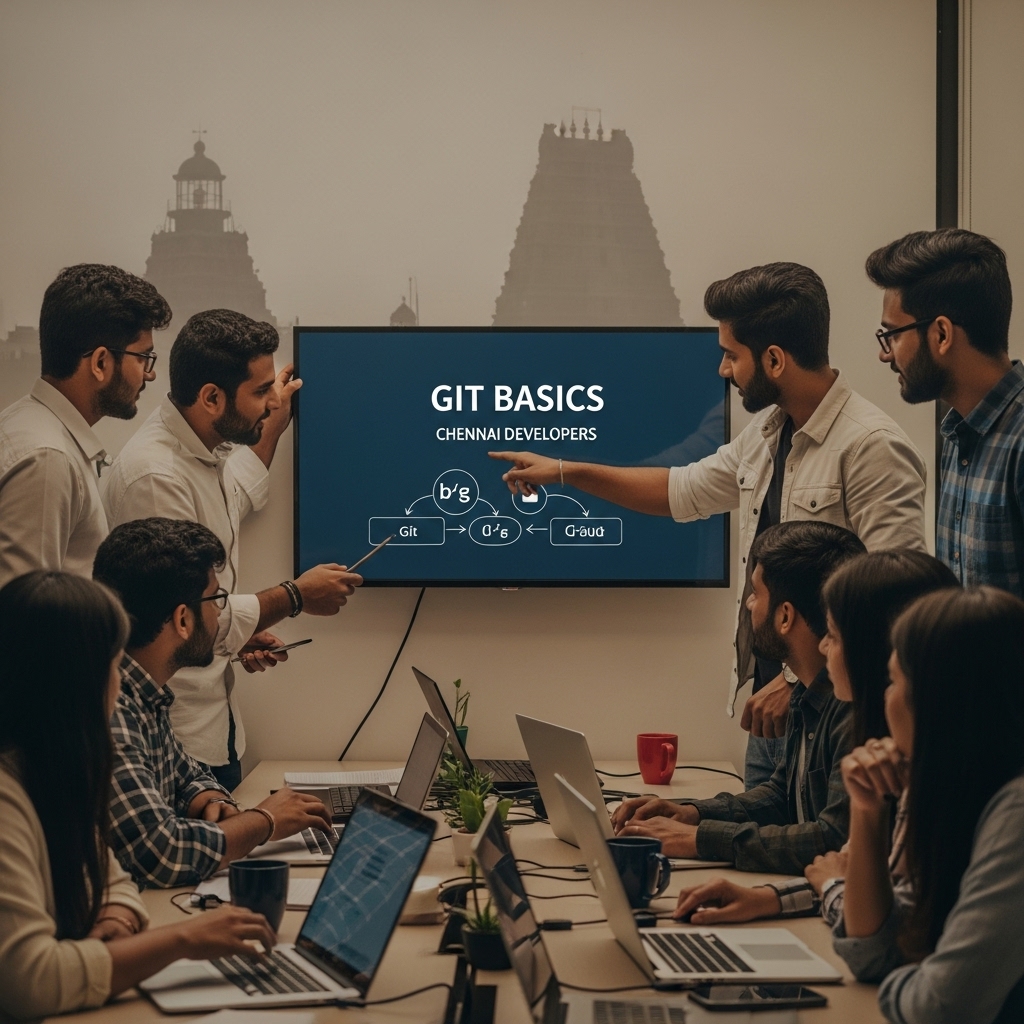
Unlock the Power of Version Control: A Comprehensive Guide for Chennai Developers
As a developer in Chennai, you’re likely no stranger to the challenges of managing code changes, collaborating with team members, and ensuring the integrity of your project. Version control systems have become an essential tool in the developer’s arsenal, and Git has emerged as the de facto standard. In this article, we’ll delve into the world of Git basics, exploring its features, benefits, and best practices for Chennai developers.
What is Version Control?
Before we dive into the world of Git, let’s take a step back and understand the concept of version control. Version control is a system that helps you track changes made to your code over time. It allows multiple developers to collaborate on the same project, ensuring that everyone is working with the same version of the code. This not only saves time but also reduces the risk of errors and conflicts.
What is Git?
Git is a free and open-source version control system created by Linus Torvalds in 2005. It’s designed to handle large projects with multiple contributors, making it an ideal choice for open-source projects and large-scale development initiatives. Git is known for its speed, flexibility, and scalability, making it a popular choice among developers.
Key Features of Git
Git offers a range of features that make it an attractive choice for Chennai developers:
- Distributed Version Control: Git allows multiple developers to work on the same project simultaneously, without the need for a centralized server.
- Local Repository: Git stores a local copy of the project on each developer’s machine, making it easy to work offline.
- Version History: Git keeps a record of all changes made to the code, making it easy to revert to previous versions if needed.
- Branching and Merging: Git allows developers to create branches for feature development, making it easy to merge changes into the main project.
- Use Meaningful Commit Messages: Write clear and concise commit messages to help track changes.
- Use Branching Strategically: Use branches to isolate feature development and reduce conflicts.
- Regularly Pull and Push: Regularly pull changes from the remote repository and push your local changes to the remote repository.
- Use Git Hooks: Use Git hooks to automate tasks and enforce coding standards.
- Common Web Development Errors & Fixes
- Microcopy Tips for Higher Conversions
How to Get Started with Git
Getting started with Git is easier than you think. Here’s a step-by-step guide to help you get started:
1. Install Git: Download and install Git on your machine. You can find the installation package on the official Git website.
2. Create a Repository: Create a new Git repository by initializing a new directory and running the command `git init`.
3. Add Files: Add your files to the repository using the `git add` command.
4. Commit Changes: Commit your changes using the `git commit` command.
5. Push to Remote: Push your changes to a remote repository using the `git push` command.
Best Practices for Git
To get the most out of Git, follow these best practices:
Frequently Asked Questions
Q: What is the difference between Git and SVN?
A: Git is a distributed version control system, while SVN is a centralized version control system. Git allows multiple developers to work on the same project simultaneously, while SVN requires a centralized server.
Q: How do I resolve conflicts in Git?
A: When resolving conflicts in Git, use the `git diff` command to identify the changes, and then use the `git add` command to stage the changes. Finally, use the `git commit` command to commit the changes.
Q: Can I use Git for small projects?
A: Yes, you can use Git for small projects. Git is designed to handle small projects as well as large-scale development initiatives.
Conclusion
Version control is an essential tool for any developer, and Git is an ideal choice for Chennai developers. With its distributed architecture, local repository, and version history, Git provides a powerful and flexible solution for managing code changes. By following the best practices outlined in this article, you’ll be well on your way to mastering Git and improving your development workflow.
Take the Next Step
Ready to unlock the power of version control? Start by installing Git on your machine and creating a new repository. For more information on Git and version control, check out our article on Why Websites Crash and How to Prevent It. If you have any questions or need further guidance, feel free to reach out to us at 9445210058 or visit our website at stackesystems.in.
Stay Connected
Stay up-to-date with the latest developments in web development and version control by following us on social media. Visit our website at stackesystems.in for more articles, tutorials, and resources on web development and beyond.
Other Relevant Articles