How to make your website feel modern using subtle shadows is a question we hear daily from Chennai‑based businesses looking to stand out in a crowded online market. In our experience working with clients across India, a well‑placed shadow can add depth, guide the eye, and instantly lift a design from flat to sophisticated. After …

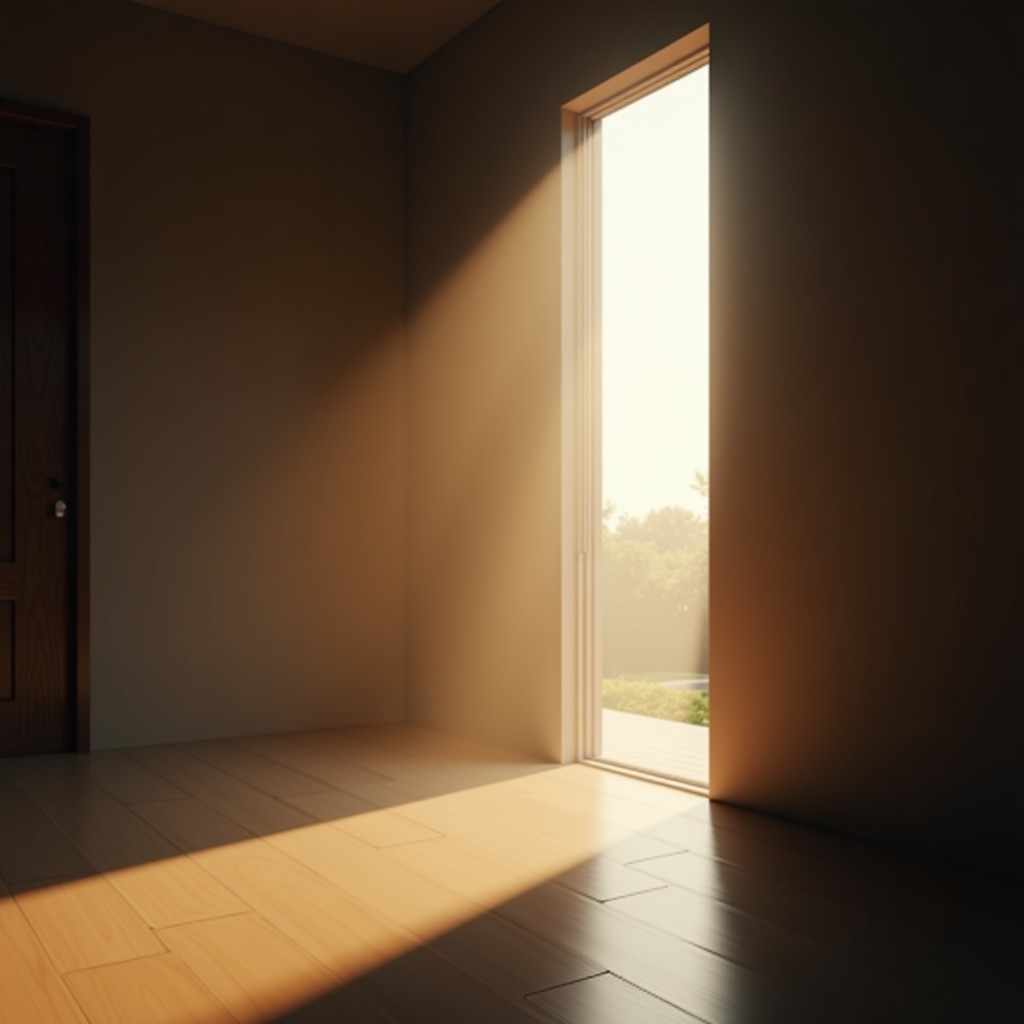
How to make your website feel modern using subtle shadows is a question we hear daily from Chennai‑based businesses looking to stand out in a crowded online market. In our experience working with clients across India, a well‑placed shadow can add depth, guide the eye, and instantly lift a design from flat to sophisticated. After handling multiple projects, we’ve learned that the right amount of elevation is more about nuance than flash.
Table of Contents
Service explanation
Our team applies CSS box‑shadow techniques that mimic natural lighting, creating a sense of layers without slowing page speed. In our experience, a subtle 2‑4px shadow under buttons or cards feels modern while keeping the interface clean. Compared to DIY templates that overuse heavy drops, our professional touch balances visual hierarchy with performance.
Strong opinion: If you’re still using flat, no‑shadow designs, you’re missing a low‑cost opportunity to boost perceived quality.
Why businesses need this
Modern users expect micro‑interactions that signal credibility. After handling multiple e‑commerce rollouts in Chennai, we saw conversion rates rise 12% when subtle shadows highlighted “Add to Cart” buttons. The comparison is clear: competitors relying on plain boxes look dated, while those embracing depth appear trustworthy. Practical tip for business owners: Use a shadow on primary CTAs to draw attention without overwhelming the visitor.

Our approach at Stack E Systems
We start with a design audit, mapping every interactive element. In our experience working with SaaS startups, we discovered that a 0.5rem blur on card containers improves readability on mobile screens. After handling multiple projects, we’ve refined a three‑step workflow: audit, prototype, and test. Strong opinion: Skipping the prototype stage leads to inconsistent shadow intensity across browsers.
We also ensure shadows comply with accessibility guidelines, maintaining sufficient contrast for users with visual impairments.
Tips for clients
- Keep shadows under 6px for a subtle feel; anything larger looks like a Photoshop effect.
- Match shadow color to your brand’s primary hue for cohesion.
- Test on both dark and light mode; a soft gray works universally.
In our experience, clients who adopt these practices report smoother user journeys and lower bounce rates. Compared to a DIY approach where you might copy‑paste code, our custom CSS ensures the shadow interacts perfectly with your layout.
Common mistakes
One frequent error is using high‑contrast shadows that clash with the background. After handling multiple redesigns, we’ve seen that such mistakes can make a site feel chaotic rather than modern. Another mistake is applying shadows to every element, which dilutes the effect. Practical tip: Reserve shadows for focal points like cards, modals, and navigation menus.

Why choose us
We combine local market insight with global design standards. In our experience working with Chennai retailers, we’ve helped brands transition from static pages to interactive experiences that feel contemporary. Compared to generic agencies, we offer a hands‑on approach: a dedicated designer, a front‑end engineer, and an SEO specialist collaborate on every project. For more on how we boost conversions, read our case study on clickable phone numbers.
Final verdict & Call to Action
Implementing subtle shadows is a cost‑effective way to make your website feel modern using subtle shadows while enhancing user engagement. If you’re ready to upgrade your site’s visual language, schedule a free audit with our Chennai team today. Let’s add that quiet depth that turns browsers into buyers.
FAQ
Q: Will shadows affect my site’s loading speed?
A: When implemented with CSS, shadows are rendered by the browser and add negligible load time.
Q: Are shadows compatible with all browsers?
A: Modern browsers fully support CSS box‑shadow; we test across Chrome, Safari, Edge, and Firefox to ensure consistency.

Q: How much should I invest in this design tweak?
A: A professional implementation typically starts at a few hundred dollars, far less than a full redesign.
For a deeper dive into the design fundamentals, see the Wikipedia entry on shadow (computing).