How to Create a Google My Business Profile for Your Shop: A Step-by-Step Guide As a local business owner, having a strong online presence is crucial to attract customers and stay ahead of the competition. One of the most effective ways to do this is by creating a Google My Business profile. In this comprehensive …

How to Create a Google My Business Profile for Your Shop: A Step-by-Step Guide
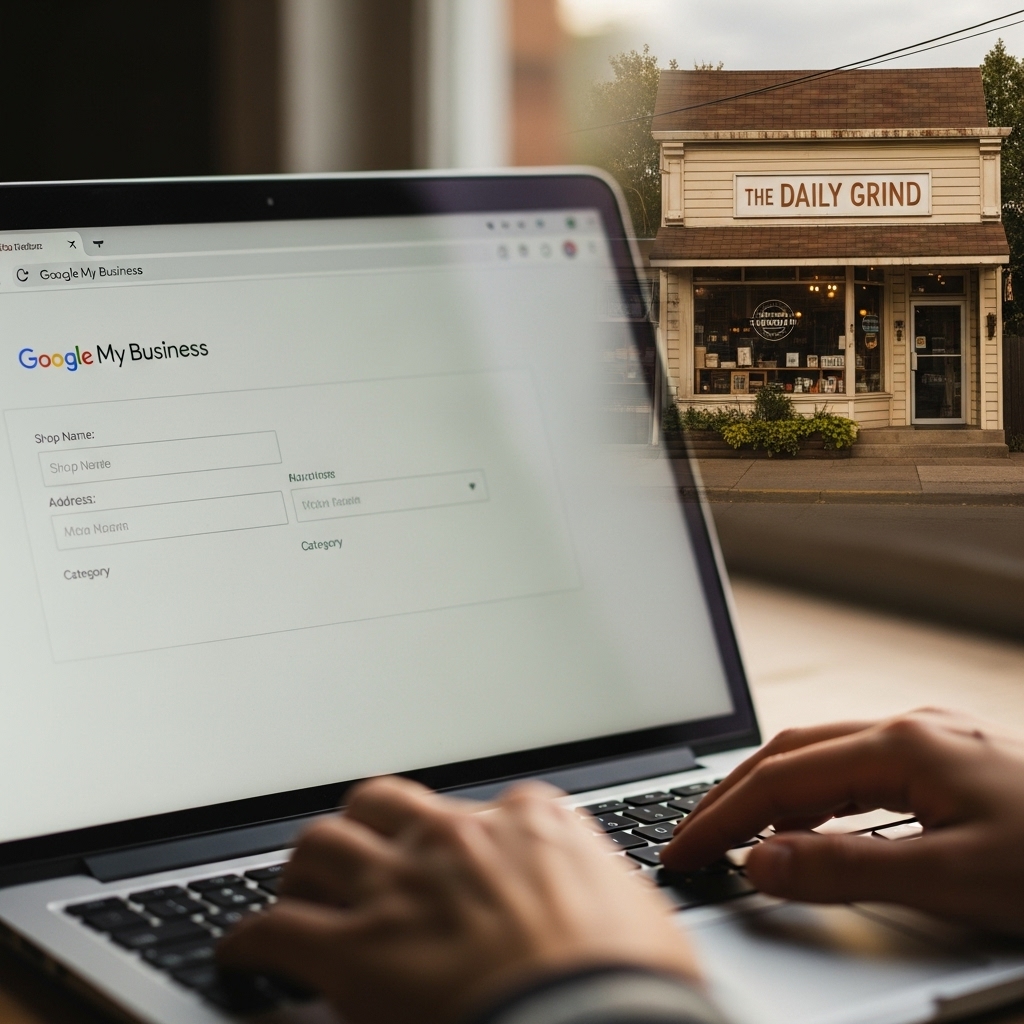
As a local business owner, having a strong online presence is crucial to attract customers and stay ahead of the competition. One of the most effective ways to do this is by creating a Google My Business profile. In this comprehensive guide, we’ll walk you through the process of creating a Google My Business profile for your shop, and provide you with valuable tips to optimize your profile for maximum visibility.
Why Create a Google My Business Profile?
Before we dive into the process of creating a Google My Business profile, let’s discuss why it’s essential for your business. Here are a few reasons:
- Increased Visibility: A Google My Business profile allows your business to appear in Google search results, making it easier for customers to find you.
- Improved Local SEO: By creating a profile, you’ll be able to optimize your profile for local search terms, increasing your chances of appearing in “near me” searches.
- Customer Engagement: A Google My Business profile allows customers to leave reviews and ratings, providing valuable feedback for your business.
- Competitive Advantage: By creating a profile, you’ll be able to outrank your competitors in Google search results.
- Use Consistent NAP: Make sure your business name, address, and phone number are consistent across the web, including your Google My Business profile.
- Use Relevant Keywords: Use relevant keywords in your business description, categories, and tags to help customers find your business when searching for specific products or services.
- Add High-Quality Photos: Add high-quality photos to your Google My Business profile to provide customers with a better sense of your business.
- Respond to Customer Reviews: Respond to customer reviews to show customers that you value their feedback and care about their experience.
- What is a “Responsive” Website and Why Do You Need It?: https://stackesystems.in/what-is-a-responsive-website-and-why-do-you-need-it/
- Why Your Website Loading Speed Matters for SEO: https://stackesystems.in/why-your-website-loading-speed-matters-for-seo/
- How to Hire a Freelance Web Designer in Chennai (Safe Guide): https://stackesystems.in/how-to-hire-a-freelance-web-designer-in-chennai-safe-guide/
Creating a Google My Business Profile
Creating a Google My Business profile is a relatively simple process. Here are the steps:
Step 1: Sign Up for a Google Account
If you don’t already have a Google account, you’ll need to create one. This will be the account that manages your Google My Business profile.
Step 2: Verify Your Business
To verify your business, you’ll need to confirm that you’re the owner of the business. You can do this by receiving a postcard with a verification code, or by verifying your business through email or phone.
Step 3: Add Your Business Information
Once you’ve verified your business, you’ll be able to add your business information, including your business name, address, phone number, and hours of operation.
Step 4: Add Your Business Categories
You’ll also be able to add your business categories, which will help customers find your business when searching for specific products or services.
Step 5: Add Your Business Description
Your business description should provide a brief overview of your business, including your products or services, and what sets you apart from the competition.
Step 6: Add Your Business Photos
Adding photos to your Google My Business profile will help customers get a better sense of your business. You can add photos of your products, services, and interior and exterior of your business.
Step 7: Add Your Business Videos
Adding videos to your Google My Business profile will provide customers with a more in-depth look at your business. You can add videos of your products, services, and behind-the-scenes footage.
Step 8: Respond to Customer Reviews
Responding to customer reviews will show customers that you value their feedback and care about their experience. It’s also a great way to improve your business and provide better customer service.
Optimizing Your Google My Business Profile
Once you’ve created your Google My Business profile, it’s essential to optimize it for maximum visibility. Here are a few tips:
Frequently Asked Questions
Q: What is a Google My Business Profile?
A Google My Business profile is a free listing that allows businesses to manage their online presence across Google.
Q: Why is it important to create a Google My Business Profile?
Creating a Google My Business profile is important because it allows you to manage your online presence, improve your local SEO, and attract more customers.
Q: How do I create a Google My Business Profile?
To create a Google My Business profile, you’ll need to sign up for a Google account, verify your business, add your business information, and optimize your profile for maximum visibility.
Conclusion
Creating a Google My Business profile is a simple and effective way to improve your online presence and attract more customers. By following the steps outlined in this guide, you’ll be able to create a profile that showcases your business and helps customers find you. Remember to optimize your profile for maximum visibility, and respond to customer reviews to show customers that you value their feedback.
Additional Resources
Contact Us
If you have any questions or need help creating a Google My Business profile, feel free to contact us at 9445210058 or info@stackesystems.in. We’d be happy to help you get started with your Google My Business profile.
About STACK E SYSTEMS
STACK E SYSTEMS is a leading web design and development company in Chennai, India. We specialize in creating responsive, mobile-friendly websites that are optimized for search engines. Our team of experts will work with you to create a website that meets your business needs and helps you attract more customers.
By creating a Google My Business profile, you’ll be able to improve your online presence, attract more customers, and stay ahead of the competition. Don’t miss out on this opportunity to take your business to the next level. Contact us today to get started!