How to Create a Google Maps Landing Page That Ranks As a local SEO strategist and conversion expert from Chennai, I've had the privilege of working with numerous businesses across various industries. One thing is certain - a well-crafted Google Maps landing page can be a game-changer for local businesses. In this article, I'll share …

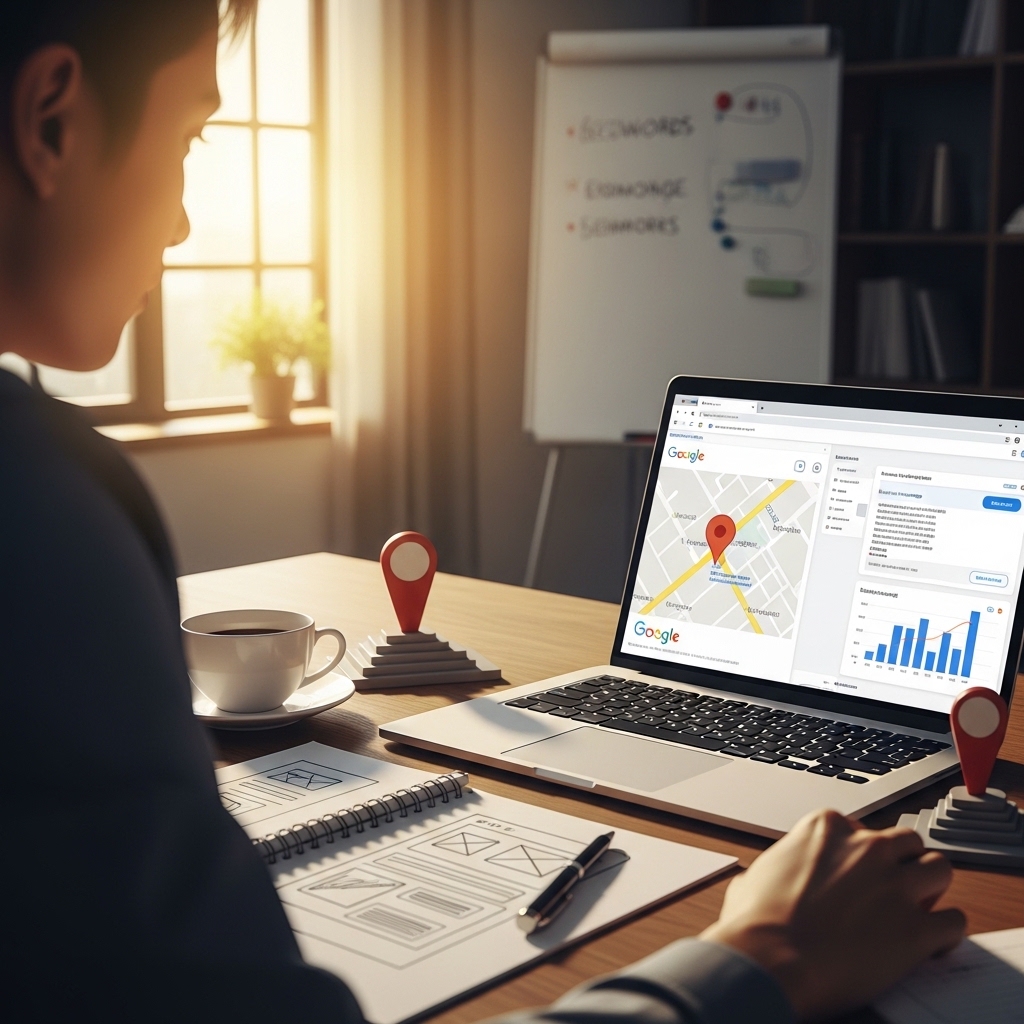
How to Create a Google Maps Landing Page That Ranks
As a local SEO strategist and conversion expert from Chennai, I’ve had the privilege of working with numerous businesses across various industries. One thing is certain – a well-crafted Google Maps landing page can be a game-changer for local businesses. In this article, I’ll share my expertise on how to create a Google Maps landing page that not only ranks but also drives conversions.
What’s the Problem?
Imagine you’re a salon owner in Chennai, and you’re struggling to attract new customers. You’ve tried every marketing strategy under the sun, but nothing seems to work. That’s because most businesses fail to create a compelling Google Maps landing page that resonates with their target audience.
The Quick Answer
To create a Google Maps landing page that ranks, you need to focus on three key elements: relevance, prominence, and distance. Ensure your page is optimized for the right keywords, has a strong online presence, and is easily accessible to users.
The Core Strategy
Here are some actionable tips to help you create a Google Maps landing page that ranks:
1. Identify Your Target Audience: Understand who your ideal customer is, what they’re searching for, and what sets your business apart.
2. Optimize for Keywords: Use relevant keywords like “salon in Chennai” or “haircut in Chennai” to help your page rank for local searches.
3. Create Engaging Content: Use high-quality images, videos, and testimonials to showcase your services and products.
4. Emphasize Prominence: Highlight your business’s online presence by including reviews, ratings, and testimonials.
5. Use Local Schema Markup: Add schema markup to your page to help search engines understand your business’s location and hours of operation.
6. Make it Mobile-Friendly: Ensure your page is optimized for mobile devices, as most users will be accessing it on their smartphones.
7. Use a Clear and Concise Call-to-Action: Encourage users to take action by using a clear and concise call-to-action, such as “Book an Appointment Now.”
The Reality Check
Unfortunately, most businesses are doing it wrong. They’re creating generic landing pages that fail to resonate with their target audience. They’re neglecting to optimize for keywords, and they’re not focusing on creating engaging content.
A Real-Life Example
I worked with a mobile shop in Chennai that was struggling to attract new customers. We created a Google Maps landing page that showcased their products, services, and promotions. We optimized the page for relevant keywords and ensured it was mobile-friendly. The result? A significant increase in conversions and a boost in online visibility.
Do This Now
To create a Google Maps landing page that ranks, follow these actionable steps:
1. Identify Your Target Audience: Use tools like Google Analytics to understand who your ideal customer is.
2. Optimize for Keywords: Use keyword research tools like Ahrefs to identify relevant keywords for your business.
3. Create Engaging Content: Use high-quality images, videos, and testimonials to showcase your services and products.
4. Emphasize Prominence: Highlight your business’s online presence by including reviews, ratings, and testimonials.
5. Use Local Schema Markup: Add schema markup to your page to help search engines understand your business’s location and hours of operation.
Frequently Asked Questions
Q: How do I optimize my Google Maps landing page for local SEO?
A: Use relevant keywords, emphasize prominence, and use local schema markup.
Q: How do I create engaging content for my Google Maps landing page?
A: Use high-quality images, videos, and testimonials to showcase your services and products.
Q: How do I increase conversions on my Google Maps landing page?
A: Use a clear and concise call-to-action, optimize for mobile devices, and emphasize promotions and discounts.
Conclusion
Creating a Google Maps landing page that ranks requires a combination of relevance, prominence, and distance. By following the actionable tips outlined in this article, you can create a page that resonates with your target audience and drives conversions. Remember to optimize for keywords, create engaging content, and emphasize prominence. With the right strategy, you can dominate the local search results and attract new customers to your business.
Internal Links
- How to Use Reviews to Improve CTR in Local Results: https://stackesystems.in/how-to-use-reviews-to-improve-ctr-in-local-results/
- Building Geo-targeted Landing Pages Without Duplicate Content: https://stackesystems.in/building-geo-targeted-landing-pages-without-duplicate-content/
- How to Create FAQ Pages That Populate People Also Ask: https://stackesystems.in/how-to-create-faq-pages-that-populate-people-also-ask/
Contact Us
For more information on how to create a Google Maps landing page that ranks, contact us at 9445210058 or visit our website at stackesystems.in.