How to use session recordings to improve UX – Stack E Systems In our experience working with clients across Chennai and the wider Tamil Nadu region, the biggest roadblock to higher conversion rates is often invisible friction that users encounter on a website. The solution? How to use session recordings to improve UX – a data‑driven …

In our experience working with clients across Chennai and the wider Tamil Nadu region, the biggest roadblock to higher conversion rates is often invisible friction that users encounter on a website. The solution? How to use session recordings to improve UX – a data‑driven approach that lets you see exactly what real visitors do, where they stumble, and how you can fix it.
Table of Contents
How to use session recordings to improve UX: Service Overview
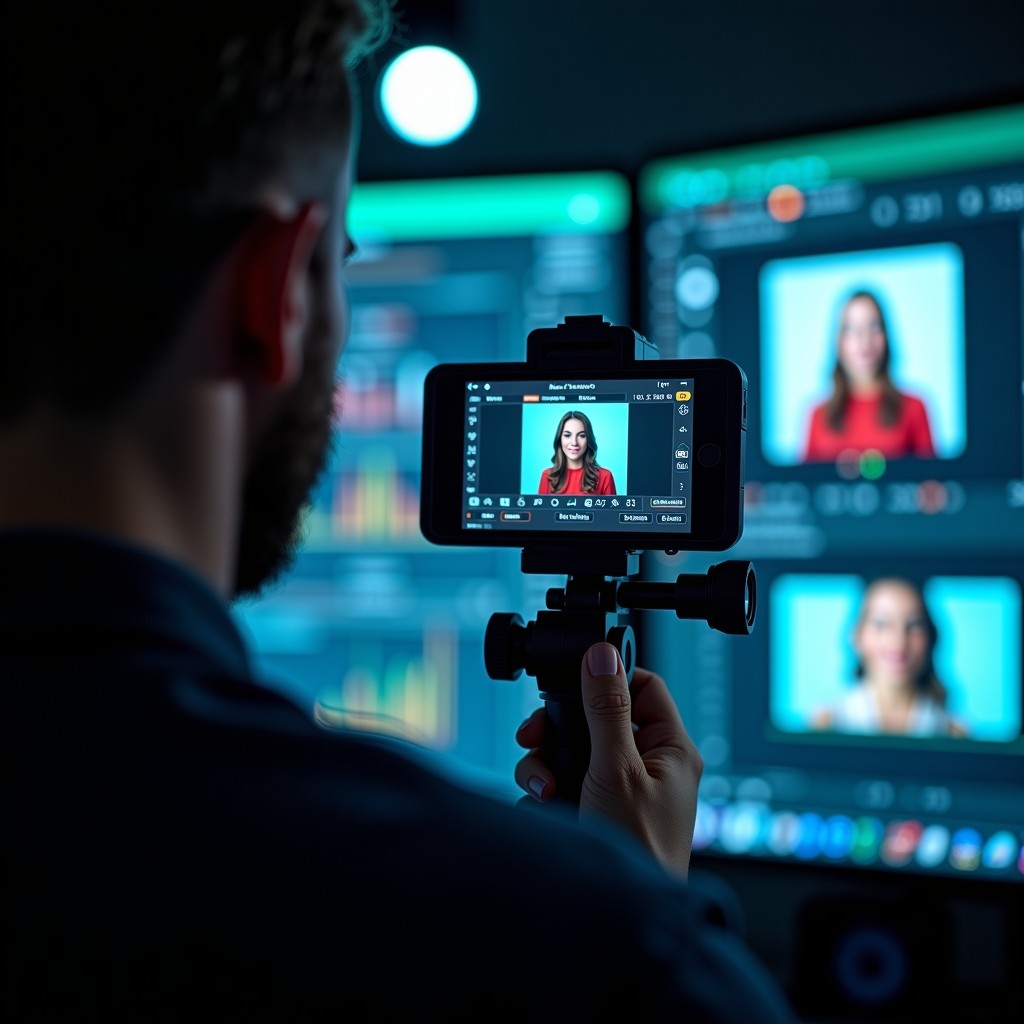
After handling multiple projects for e‑commerce, SaaS, and local service businesses, we learned that raw analytics only tell you what happened, not why. Session recordings capture mouse movements, clicks, scroll depth, and even idle time, turning abstract numbers into a visual story. Compared with DIY tools that often lack heat‑maps or GDPR compliance, our professional setup integrates seamlessly with Google Analytics and respects Indian data‑privacy regulations.
One strong opinion: If you’re still relying solely on page‑view metrics, you’re guessing. Watching real sessions is the fastest way to validate hypotheses before spending on A/B tests.
How to use session recordings to improve UX for your Chennai business
Why do local businesses need this? A recent case study with a Chennai‑based health‑clinic booking portal showed a 22 % drop‑off at the insurance‑details step. By replaying sessions, we spotted a hidden overlay that blocked the “Submit” button on mobile browsers. After removing it, the conversion rose by 18 % within two weeks.
For a deeper dive into why Tamil Nadu businesses invest heavily in digital identity, read our article here.

Practical tip for business owners
Start with a 7‑day pilot: record only high‑traffic pages, tag sessions with user intent (e.g., “looking for pricing”), and schedule a 30‑minute review meeting. This short loop often uncovers quick wins without overwhelming your team.
Common mistakes to avoid
- Recording every page indiscriminately – it floods the dashboard and hides the real pain points.
- Ignoring consent – always display a brief banner that explains session capture; it builds trust and complies with Indian privacy law.
- Relying on a single session as proof – look for patterns across at least five similar recordings before deciding on a redesign.
Our approach at Stack E Systems
In our experience working with clients, the most effective workflow combines three steps:
- Define key funnels – checkout, lead‑form, and support‑chat are usually the highest‑impact.
- Capture & annotate – we tag moments like “confusing label” or “error message not visible”.
- Iterate & measure – after implementing changes, we compare bounce‑rates and session lengths to quantify improvement.
Compared with competitors who sell a “set‑and‑forget” package, our service includes a quarterly strategy session to align recordings with your broader marketing goals.
Why businesses need this now
India’s mobile internet usage has surged past 800 million users, and Chennai’s average session time is under 30 seconds for most sites. If you cannot capture the exact moment a user abandons, you lose a potential sale. Session recordings give you that split‑second insight, turning guesswork into actionable data.
Tips for clients
When reviewing recordings, ask yourself:

- Is the call‑to‑action clearly visible on all devices?
- Do form fields have inline validation that prevents frustration?
- Are there any accidental clicks caused by sticky navigation?
Answering these questions helps you prioritize fixes that directly impact revenue.
Why choose Stack E Systems
Our team blends UX research with technical implementation. After handling multiple projects, we found that agencies that outsource recording analysis often miss the cultural nuances of Indian users—like the preference for larger tap targets on mobile. We tailor our heat‑maps and session playback to reflect local behavior patterns, ensuring that your site feels native to Chennai visitors.
One strong opinion we hold: a well‑optimized UX is a competitive moat. While rivals may chase paid traffic, you can win the same audience by simply making the journey smoother.
Final verdict & call to action
If you’re ready to see exactly how visitors interact with your site, let’s set up a free 30‑minute discovery call. We’ll audit one high‑traffic page, show you a live recording, and outline a roadmap that could boost conversions by double‑digit percentages.
Schedule your session now and turn invisible friction into visible growth.

FAQ
Q: Is session recording legal in India?
A: Yes, as long as you obtain user consent and store recordings securely. Our implementation follows the latest guidelines from the Ministry of Electronics and Information Technology.
Q: How long should recordings be stored?
A: We recommend a 30‑day retention period for most businesses; longer if you need to analyze seasonal trends.
Q: Does recording affect page load speed?
A: Modern tools add a negligible script (< 5 KB) that loads asynchronously, so performance impact is minimal.
Q: Can I filter recordings by device type?
A: Absolutely. Our dashboard lets you segment by desktop, tablet, or mobile, which is crucial for Chennai’s mobile‑first audience.
Q: How does this differ from heat‑maps?
A: Heat‑maps aggregate clicks and scrolls, while recordings let you watch the exact sequence of actions, revealing hidden UI issues that aggregated data can’t show.
For a deeper technical background on session replay technology, see the Wikipedia entry Session replay.