How to Reduce Bounce Rate with Design Improvements: A Comprehensive Guide for Local Businesses As a local business owner, you understand the importance of having a website that effectively converts visitors into customers. Bounce rate, the percentage of visitors who leave your site immediately, can be a significant obstacle to achieving this goal. In this …

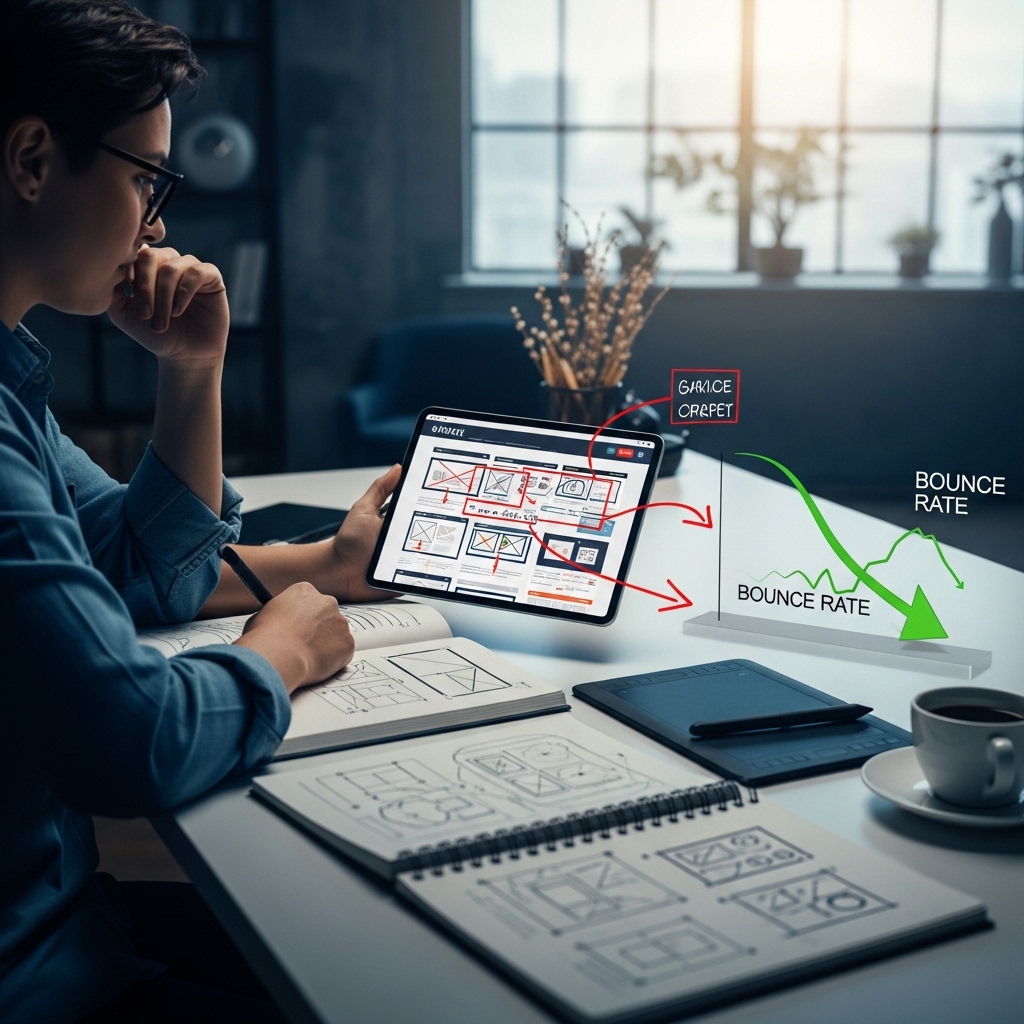
How to Reduce Bounce Rate with Design Improvements: A Comprehensive Guide for Local Businesses
As a local business owner, you understand the importance of having a website that effectively converts visitors into customers. Bounce rate, the percentage of visitors who leave your site immediately, can be a significant obstacle to achieving this goal. In this article, we’ll explore the connection between design improvements and bounce rate, and provide actionable tips to help you reduce your website’s bounce rate and boost conversions.
Understanding Bounce Rate
Before we dive into design improvements, it’s essential to understand what bounce rate is and why it’s crucial to monitor. Bounce rate is the percentage of single-page sessions on your website, where visitors land on a page and immediately leave without interacting with your site further. A high bounce rate can indicate a range of issues, from poor user experience to irrelevant content.
The Impact of Bounce Rate on Local SEO
For local businesses, bounce rate can have a significant impact on search engine rankings. Google uses bounce rate as a ranking signal, and a high bounce rate can negatively affect your website’s visibility in search engine results pages (SERPs). This is especially important for local businesses, as they rely on search engine traffic to attract customers.
Design Improvements to Reduce Bounce Rate
Now that we’ve established the importance of bounce rate, let’s explore design improvements that can help reduce it.
1. Optimize Your Website’s Loading Speed
A slow-loading website is a significant contributor to high bounce rates. According to Google, 53% of mobile users will leave a website that takes more than three seconds to load. To improve your website’s loading speed:
- Use a content delivery network (CDN) to distribute your content across multiple servers.
- Optimize images by compressing them and using lazy loading.
- Minify and compress CSS, JavaScript, and HTML files.
- Choose a reliable web hosting provider.
- Use a clear and concise menu structure.
- Organize content into clear categories and subcategories.
- Use clear and descriptive headings and meta descriptions.
- Reduce the number of clicks required to find important information.
- Use a clear and consistent typography.
- Apply a consistent color scheme and branding.
- Use headings, subheadings, and bullet points to break up content.
- Use whitespace effectively to create a clean and uncluttered design.
- Use a responsive design that adapts to different screen sizes and devices.
- Ensure all content and navigation are easily accessible on mobile devices.
- Test your website on different mobile devices and browsers.
- Use high-quality images and graphics.
- Add videos and animations to showcase products or services.
- Use infographics to present complex information in an easy-to-digest format.
- Use location-based keywords in your website’s content and meta tags.
- Add your business to local directories and citations.
- Use schema markup to highlight your business’s location and contact information.
- Web Design Handoff: What Developers Need from Designers: https://stackesystems.in/web-design-handoff-what-developers-need-from-designers/
- How to Architect Multi-site WordPress for Franchises: https://stackesystems.in/how-to-architect-multi-site-wordpress-for-franchises/
- Creating a Site That Passes Google’s Mobile-First Index: https://stackesystems.in/creating-a-site-that-passes-googles-mobile-first-index/
2. Simplify Navigation and Information Architecture
Complex navigation and poor information architecture can confuse visitors and lead to high bounce rates. To simplify your website’s navigation:
3. Enhance User Experience with Visual Hierarchy
A visual hierarchy is essential for guiding visitors through your website and highlighting important information. To enhance your website’s visual hierarchy:
4. Improve Mobile Responsiveness
With the majority of searches now coming from mobile devices, it’s essential to ensure your website is mobile-friendly. To improve your website’s mobile responsiveness:
5. Add Visuals and Multimedia
Visuals and multimedia can help break up text and make your website more engaging. To add visuals and multimedia:
6. Optimize for Local SEO
As a local business, it’s essential to optimize your website for local SEO. To optimize for local SEO:
Frequently Asked Questions
Q: How can I track my website’s bounce rate?
A: You can track your website’s bounce rate using Google Analytics. Simply log in to your Google Analytics account, navigate to the Audience > Behavior > Overview report, and look for the bounce rate metric.
Q: What is a good bounce rate for a local business?
A: A good bounce rate for a local business depends on various factors, including industry, target audience, and website design. However, a general benchmark is 40-60%.
Q: How can I improve my website’s loading speed?
A: You can improve your website’s loading speed by optimizing images, minifying and compressing code, and using a content delivery network (CDN).
Conclusion
Reducing bounce rate with design improvements is a critical step in improving your website’s user experience and search engine rankings. By optimizing your website’s loading speed, simplifying navigation and information architecture, enhancing user experience with visual hierarchy, improving mobile responsiveness, adding visuals and multimedia, and optimizing for local SEO, you can significantly reduce your website’s bounce rate and boost conversions.
Take Action
Ready to reduce your website’s bounce rate and boost conversions? Start by optimizing your website’s loading speed using the tips provided above. Then, simplify your website’s navigation and information architecture to make it easier for visitors to find what they’re looking for. Finally, enhance your website’s visual hierarchy and mobile responsiveness to create a more engaging and user-friendly experience.
Get in Touch
If you’re struggling to reduce your website’s bounce rate or need help with design improvements, get in touch with us at STACK E SYSTEMS. Our team of experts can help you create a website that effectively converts visitors into customers. Contact us today at 9445210058 or visit our website at stackesystems.in.
Related Resources