Unlock the Power of Internal Linking: A Guide to Boosting Your Blog's SEO As a blogger, you're likely no stranger to the importance of search engine optimization (SEO). After all, a well-optimized blog can drive traffic, boost engagement, and ultimately, increase conversions. But did you know that one oft-overlooked aspect of SEO is internal linking? …

Unlock the Power of Internal Linking: A Guide to Boosting Your Blog’s SEO
As a blogger, you’re likely no stranger to the importance of search engine optimization (SEO). After all, a well-optimized blog can drive traffic, boost engagement, and ultimately, increase conversions. But did you know that one oft-overlooked aspect of SEO is internal linking? A well-crafted internal linking map can be the key to unlocking your blog’s full SEO potential. In this comprehensive guide, we’ll dive into the world of internal linking, exploring its benefits, best practices, and how to create a map that drives results.
The Benefits of Internal Linking
Before we dive into the nitty-gritty of creating an internal linking map, let’s take a step back and explore the benefits of internal linking. By linking to relevant pages on your blog, you can:
- Increase user engagement: Internal linking makes it easy for readers to explore your content, increasing the chances of them staying on your site longer.
- Improve user experience: A well-designed internal linking map can help users find related content, making it easier for them to navigate your site.
- Boost SEO: By linking to relevant pages, you’re signaling to search engines that your content is relevant and worth crawling.
- Reduce bounce rates: By providing users with a clear path to explore your content, you can reduce bounce rates and increase the chances of converting visitors into customers.
- Category pages: These pages group related content together, making it easy for users to find what they’re looking for.
- Tag pages: These pages categorize content by keyword or topic, providing users with a quick and easy way to find related content.
- Related content pages: These pages link to other content that’s relevant to the current page, providing users with a clear path to explore your content.
- Authority pages: These pages are critical to your site’s overall authority and should be linked to from other relevant pages.
- Keep it simple: Avoid over-linking, as this can confuse users and dilute the effectiveness of your internal linking map.
- Use descriptive anchor text: Instead of using generic anchor text like “Click here,” use descriptive text that gives users an idea of what they’ll find on the linked page.
- Link to relevant pages: Only link to pages that are relevant to the current page. This will help users find what they’re looking for and improve the overall user experience.
- Use a consistent linking structure: Use a consistent linking structure throughout your site, such as using the same format for category and tag pages.
- Over-linking: Avoid over-linking, as this can confuse users and dilute the effectiveness of your internal linking map.
- Under-linking: Avoid under-linking, as this can make it difficult for users to find related content.
- Using generic anchor text: Avoid using generic anchor text, as this can dilute the effectiveness of your internal linking map.
- Not using a consistent linking structure: Avoid using a inconsistent linking structure, as this can confuse users and make it difficult to navigate your site.
- How to Design a Blog That Ranks: Learn how to design a blog that ranks high in search engines with our comprehensive guide.
- Website Content Plan for 2025: Get a head start on your content planning with our website content plan for 2025.
- Top UX Principles for Chennai Web Designers: Learn the top UX principles for Chennai web designers and how to apply them to your own projects.
Understanding Internal Linking Maps
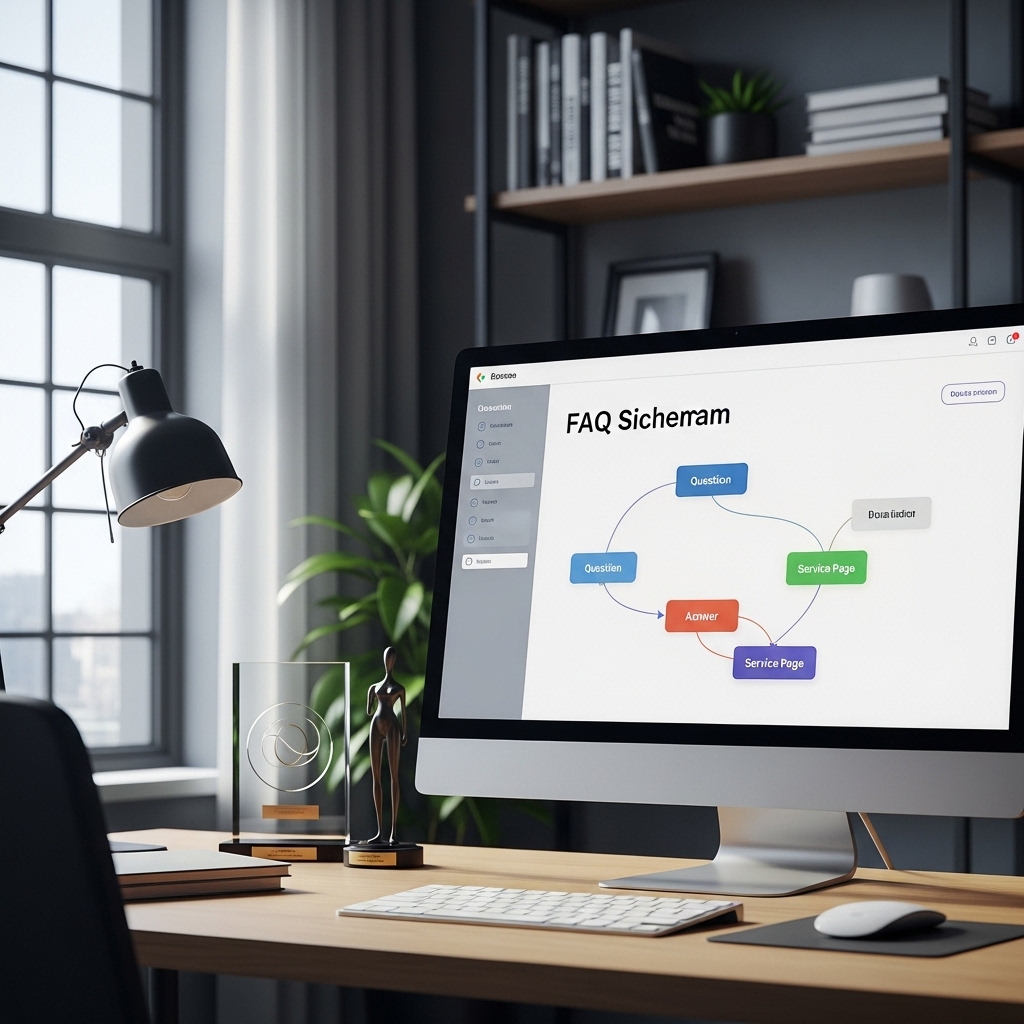
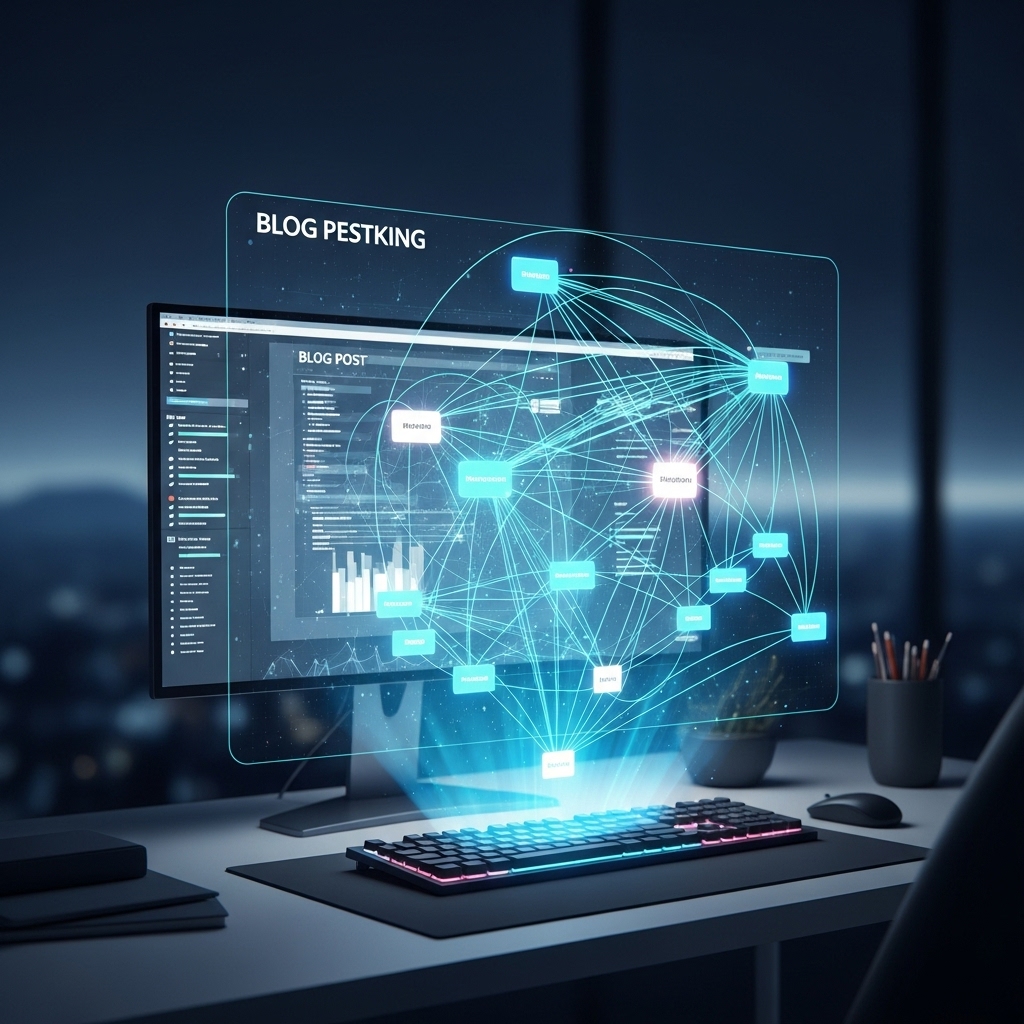
An internal linking map is a visual representation of the connections between pages on your blog. It’s essentially a roadmap that shows how your content is related and how users can navigate between pages. A well-designed internal linking map can include:
Best Practices for Creating an Internal Linking Map
Now that we’ve covered the benefits and basics of internal linking maps, let’s dive into some best practices for creating one. Here are a few tips to keep in mind:
How to Create an Internal Linking Map
Now that we’ve covered the basics and best practices, let’s dive into the nitty-gritty of creating an internal linking map. Here’s a step-by-step guide to get you started:
1. Start with your category pages: Begin by identifying your category pages and grouping related content together.
2. Create tag pages: Next, create tag pages that categorize content by keyword or topic.
3. Identify related content pages: Identify pages that are related to each other and create links between them.
4. Create authority pages: Identify pages that are critical to your site’s overall authority and link to them from other relevant pages.
5. Use a tool to visualize your map: Use a tool like Ahrefs or SEMrush to visualize your internal linking map and identify areas for improvement.
Common Mistakes to Avoid
While creating an internal linking map can be a powerful way to boost your blog’s SEO, there are a few common mistakes to avoid. Here are a few to keep in mind:
Frequently Asked Questions
Q: Why is internal linking important for SEO?
A: Internal linking is important for SEO because it helps search engines understand the structure and hierarchy of your site, making it easier for them to crawl and index your content.
Q: What are some common mistakes to avoid when creating an internal linking map?
A: Some common mistakes to avoid when creating an internal linking map include over-linking, under-linking, using generic anchor text, and not using a consistent linking structure.
Q: How can I use internal linking to improve user experience?
A: You can use internal linking to improve user experience by providing users with a clear path to explore your content, making it easy for them to find related information, and reducing bounce rates.
Conclusion
In conclusion, internal linking is a powerful way to boost your blog’s SEO and improve user experience. By creating a well-designed internal linking map, you can increase user engagement, improve user experience, and boost your site’s authority. Remember to keep it simple, use descriptive anchor text, link to relevant pages, and use a consistent linking structure. With these tips in mind, you’ll be well on your way to creating an internal linking map that drives results.
Additional Resources
Contact Us
If you have any questions or would like to learn more about internal linking and SEO, please don’t hesitate to contact us at 9445210058 or visit our website at stackesystems.in.
By following the tips and best practices outlined in this guide, you can create an internal linking map that drives results and boosts your blog’s SEO. Remember to keep it simple, use descriptive anchor text, link to relevant pages, and use a consistent linking structure. With these tips in mind, you’ll be well on your way to creating an internal linking map that drives traffic, boosts engagement, and increases conversions.