Unlocking the Power of Heatmaps: A Step-by-Step Guide to Improving Your Website As a business owner or website manager in Chennai, you're constantly seeking ways to optimize your online presence and boost conversions. One often-overlooked yet powerful tool in your arsenal is heatmaps. By visualizing user behavior, heatmaps can help you identify areas of improvement, …

Unlocking the Power of Heatmaps: A Step-by-Step Guide to Improving Your Website
As a business owner or website manager in Chennai, you’re constantly seeking ways to optimize your online presence and boost conversions. One often-overlooked yet powerful tool in your arsenal is heatmaps. By visualizing user behavior, heatmaps can help you identify areas of improvement, streamline your design, and enhance the overall user experience. In this comprehensive guide, we’ll delve into the world of heatmaps and explore how to use them for website improvements.
Understanding Heatmaps
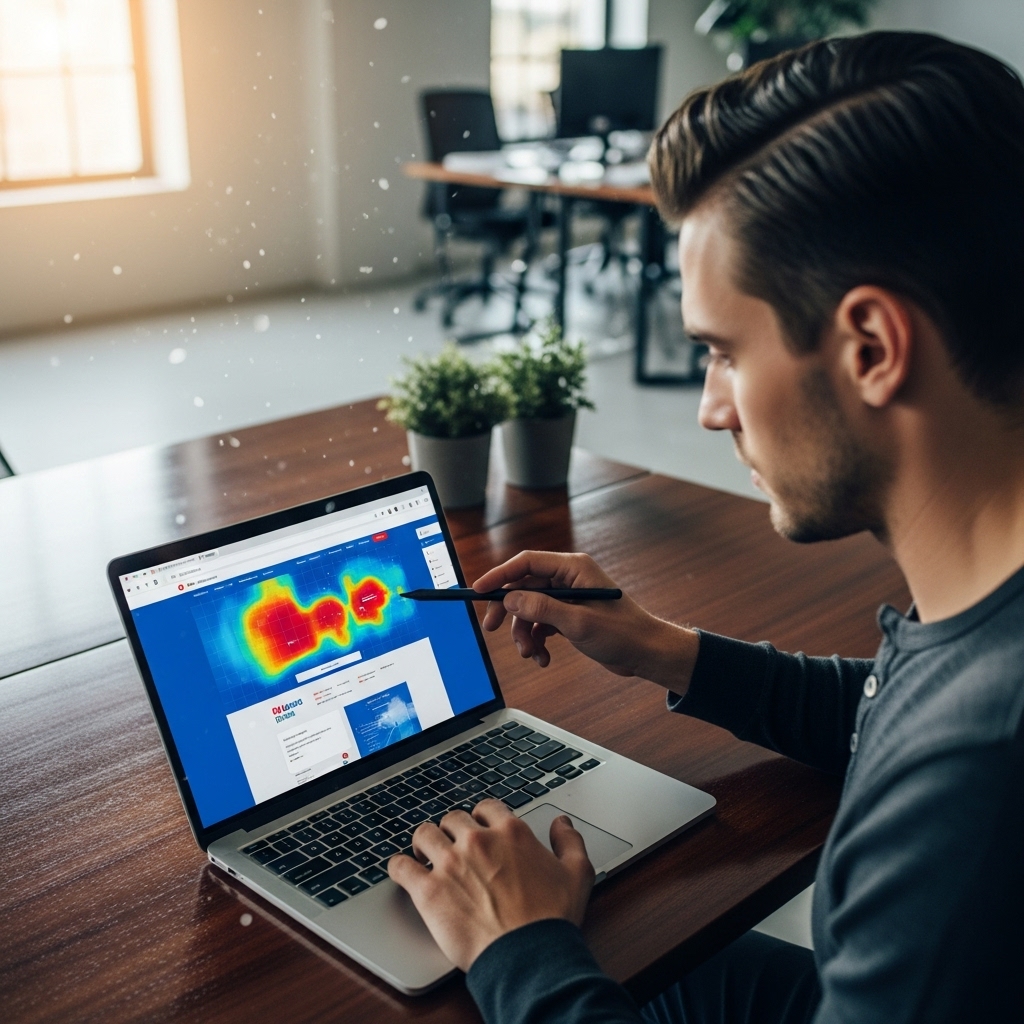
Before we dive into the nitty-gritty, it’s essential to understand what heatmaps are and how they work. In simple terms, heatmaps are visual representations of user behavior, displaying where users click, hover, and scroll on your website. This data is then overlaid on a static image of your website, creating a heatmap that highlights areas of high and low engagement.
Benefits of Heatmaps
So, why should you care about heatmaps? The benefits are numerous:
- Identify pain points: Heatmaps help you pinpoint areas where users struggle or get stuck, allowing you to make targeted improvements.
- Optimize design: By visualizing user behavior, you can refine your design, ensuring a seamless user experience.
- Enhance conversions: Heatmaps reveal areas where users are most likely to convert, enabling you to tailor your content and calls-to-action (CTAs) for maximum impact.
- Improve UX: Heatmaps provide valuable insights into user behavior, allowing you to refine your website’s overall usability and accessibility.
- Crazy Egg
- Hotjar
- ClickTale
- Use multiple heatmap types: Combine different heatmap types, such as click, scroll, and mouse movement heatmaps, to gain a comprehensive understanding of user behavior.
- Focus on pain points: Identify areas where users struggle or get stuck and address these pain points first.
- Test and iterate: Continuously test and iterate on your heatmap data to refine your design and improve the user experience.
- Best Web Design Tools in 2025 for Chennai Developers: https://stackesystems.in/best-web-design-tools-in-2025-for-chennai-developers/
- Chatbot Integration for Chennai Business Websites: https://stackesystems.in/chatbot-integration-for-chennai-business-websites/
- AI in Web Design – How Chennai Businesses Benefit: https://stackesystems.in/ai-in-web-design-how-chennai-businesses-benefit/
How to Use Heatmaps for Website Improvements
Now that you’re convinced of the benefits, let’s explore the step-by-step process of using heatmaps for website improvements:
Step 1: Choose the Right Heatmap Tool
With numerous heatmap tools available, it’s crucial to select the one that best suits your needs. Some popular options include:
Step 2: Set Up Heatmap Tracking
Once you’ve chosen your heatmap tool, set up tracking on your website. This typically involves adding a small piece of code to your website’s header or footer.
Step 3: Analyze Heatmap Data
After collecting data, it’s time to analyze your heatmap results. Look for areas of high and low engagement, noting patterns and trends.
Step 4: Identify Pain Points and Optimize Design
Using your heatmap data, identify areas where users struggle or get stuck. Refine your design to address these pain points, ensuring a seamless user experience.
Step 5: Enhance Conversions
By analyzing heatmap data, you can identify areas where users are most likely to convert. Tailor your content and CTAs to maximize impact.
Step 6: Refine UX and Iterate
Continuously refine your website’s usability and accessibility by iterating on your heatmap data. Make data-driven decisions to improve the overall user experience.
Best Practices for Using Heatmaps
To get the most out of your heatmaps, follow these best practices:
Frequently Asked Questions
Q: What are the limitations of heatmaps?
A: Heatmaps are limited in that they only provide a snapshot of user behavior at a specific point in time. They don’t account for user behavior over time or across multiple sessions.
Q: Can heatmaps be used for mobile devices?
A: Yes, many heatmap tools offer mobile device support, allowing you to track user behavior on mobile devices.
Q: How do I interpret heatmap data?
A: Interpret heatmap data by looking for patterns and trends. Identify areas of high and low engagement, and refine your design accordingly.
Conclusion
Heatmaps are a powerful tool in your website optimization arsenal, offering valuable insights into user behavior and areas for improvement. By following the steps outlined in this guide and incorporating best practices, you can unlock the full potential of heatmaps and transform your website into a user-friendly, conversion-driven machine. Remember to choose the right heatmap tool, set up tracking, analyze data, identify pain points, enhance conversions, and refine UX. With heatmaps, the possibilities are endless – start optimizing your website today!
Ready to Take Your Website to the Next Level?
At Stackes Systems, we specialize in creating high-ranking, search engine-focused content that drives results. Our team of experts is dedicated to helping Chennai businesses like yours thrive online. Contact us today to learn more about our services and how we can help you dominate the competition.
Get in Touch
Phone: 9445210058
Email: [email protected]
Website: stackesystems.in
Additional Resources